StreamCraftr helps you manage your OBS stream with ease
Craft a custom button board for your OBS Studio stream
Built for your workflow
Everything you need
to run a tight stream
StreamCraftr Kits
Import a .sckit file to set up your OBS scenes, sources, and button layout in one step. No manual OBS configuration required.
Powerful Macros
Chain scene switches, delays, media plays, and source toggles into a single button press. Build your entire stream flow in advance.
Instant Scene Switching
Tap any button to cut to a scene instantly. No keyboard shortcuts to memorize, no fumbling mid-broadcast.
Overlay Control
Show and hide sources, graphics, and media items on demand. Set sources to auto-hide to keep your stream organized.
It's easy to get started
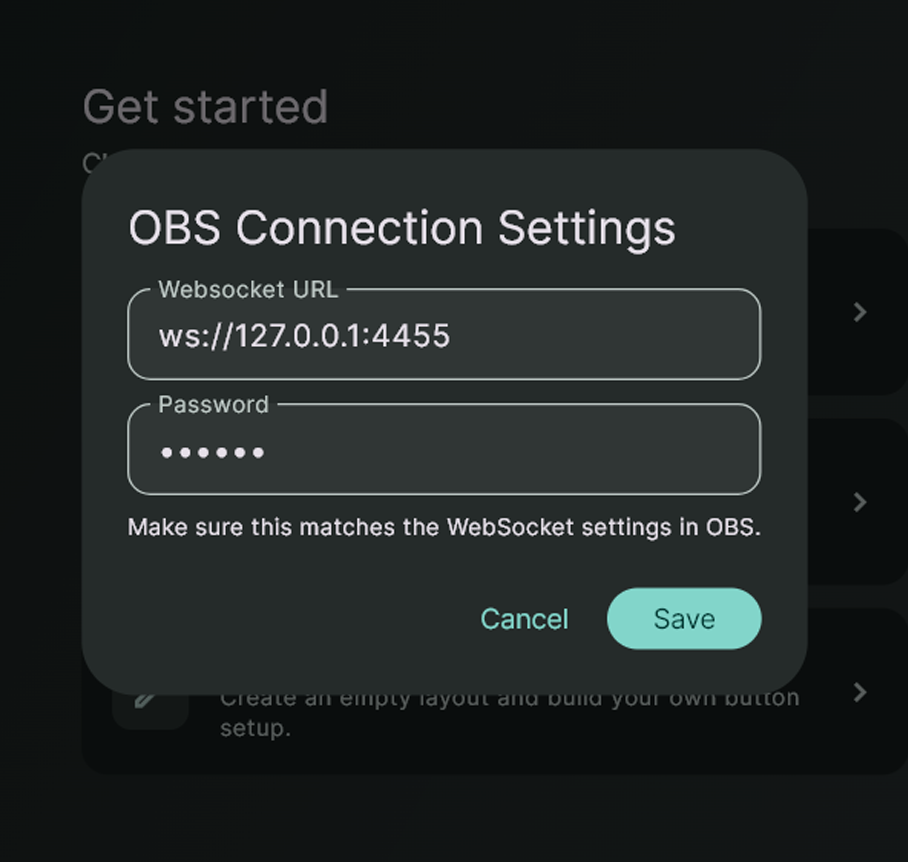
Step 1: Connect
Connect to OBS in seconds
Open StreamCraftr, enter your OBS WebSocket URL and password, and you're connected. The status bar instantly shows your connection state, current scene, and available transitions.
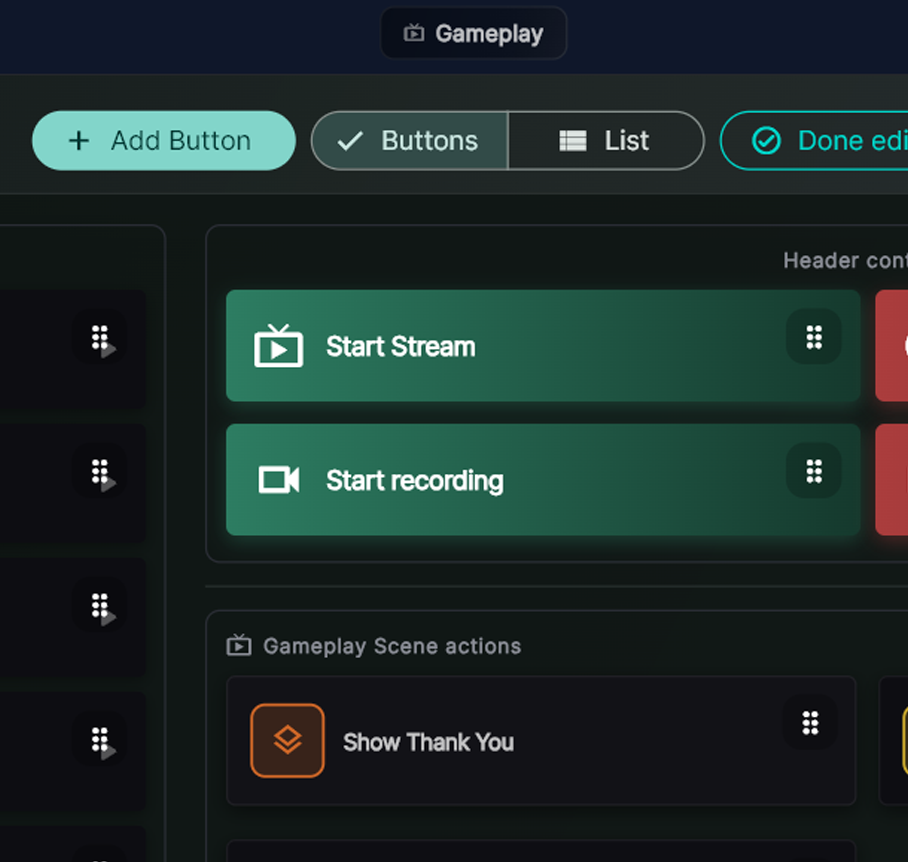
Step 2: Build
Build your control board
Add buttons for your scenes, overlays, and macros. Choose your colors, and labels. Arrange them in a grid that matches how you think — not how OBS is organized.
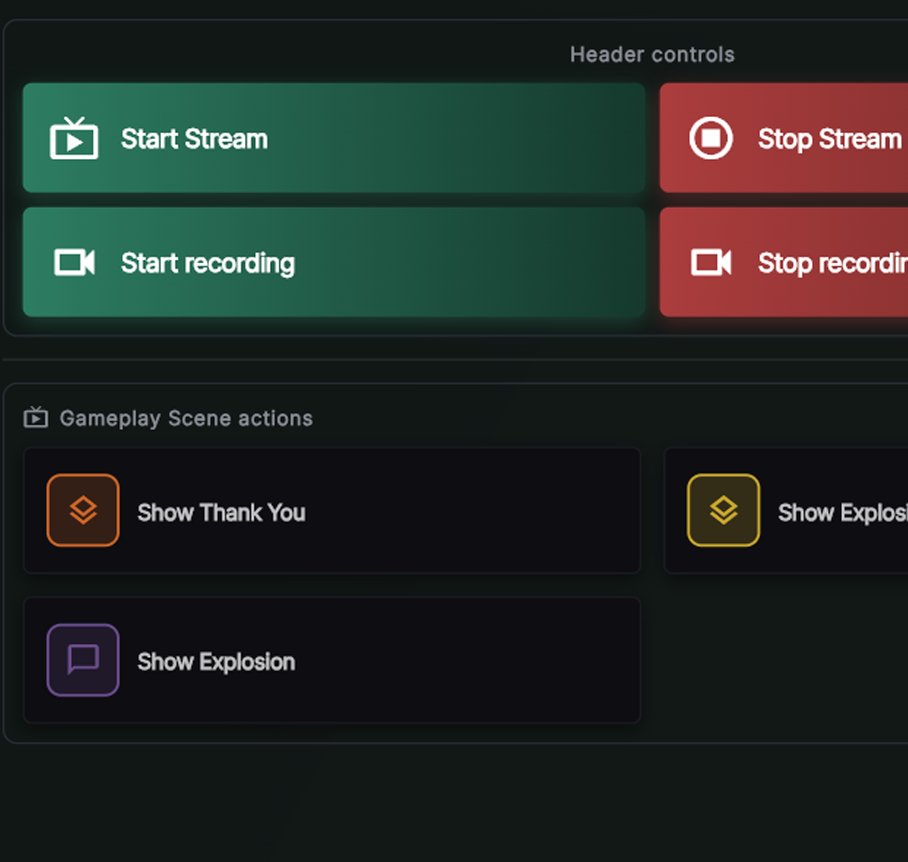
Go live and stay in control
Hit the stream button and run your entire show from your custom board. Switch scenes, fire overlays, and trigger macros — all without touching OBS directly.
Download a StreamCraftr Kit and start streaming in minutes.
StreamCraftr Kits make it incredibly easy for users to create, use and share StreamCraftr / OBS setups.
Once you've crafted your StreamCraftr setup, you can export it, with all of the attachments, and share it with your friends or other users!
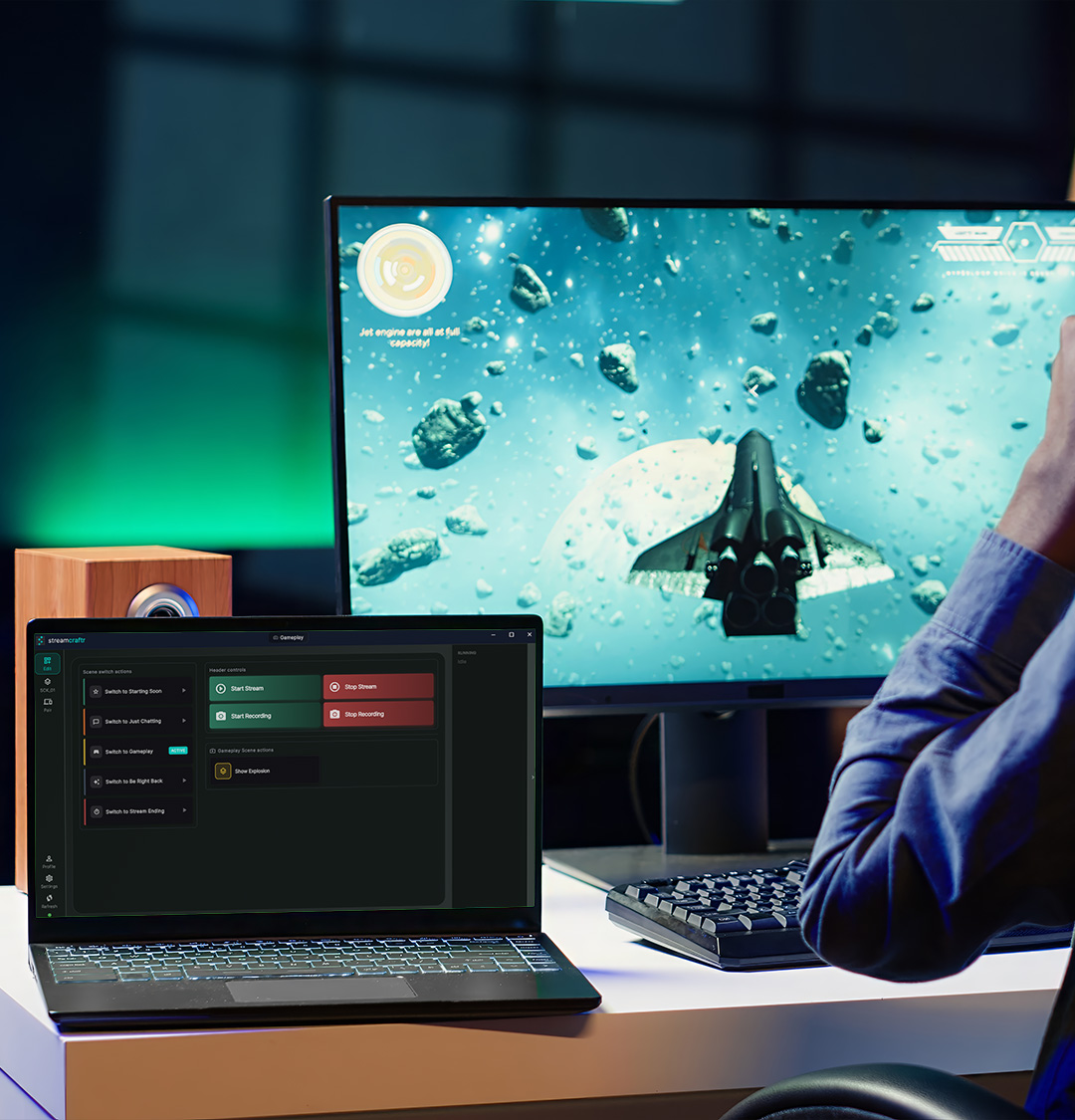
Download StreamCraftr
Download StreamCraftr
Made for Windows, StreamCraftr runs along your OBS setup.
This app is free.
Download StreamCraftr Companion
Made for Apple iPad, StreamCraftr Companion runs along your StreamCraftr setup giving you the ability to control the stream from your iPad.
This app requires a one time payment.