ultimate control
OBS Control Panel for Streamers
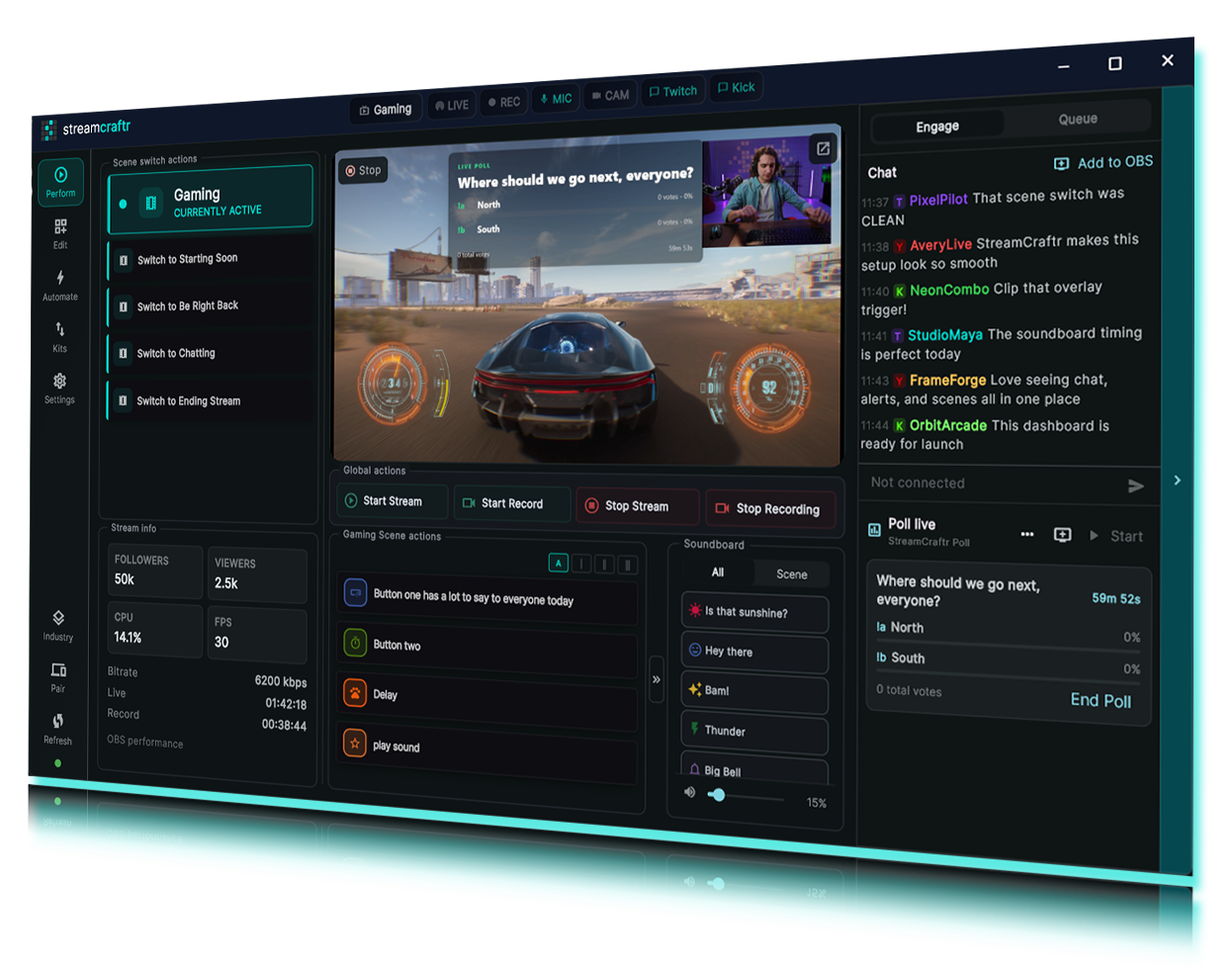
Stream Craftr gives you a customizable control surface for OBS. Build buttons for scene switching, overlays, sounds, stream actions, and automation without relying on global hotkeys.
Custom OBS Buttons
Create unlimited custom buttons to switch scenes, show overlays, run commands, and control your stream with ease. All at your fingertips.
Soundboard Control
Play sounds and clips instantly with fully customizable soundboard tiles. Add sounds to viewer events to keep the energy up.
Stream Automation
Build powerful automation queues to trigger event actions in order. Create automations with thresholds and cooldowns for ultimate control.
Why not just use OBS by itself?
OBS Studio is a great tool on its own, but even in studio mode, it can feel a bit limited in terms of what can be switched, triggered or delayed.
Stream Craftr brings extra functionality allowing you to setup OBS studio just once, and forget it.
Ease of use
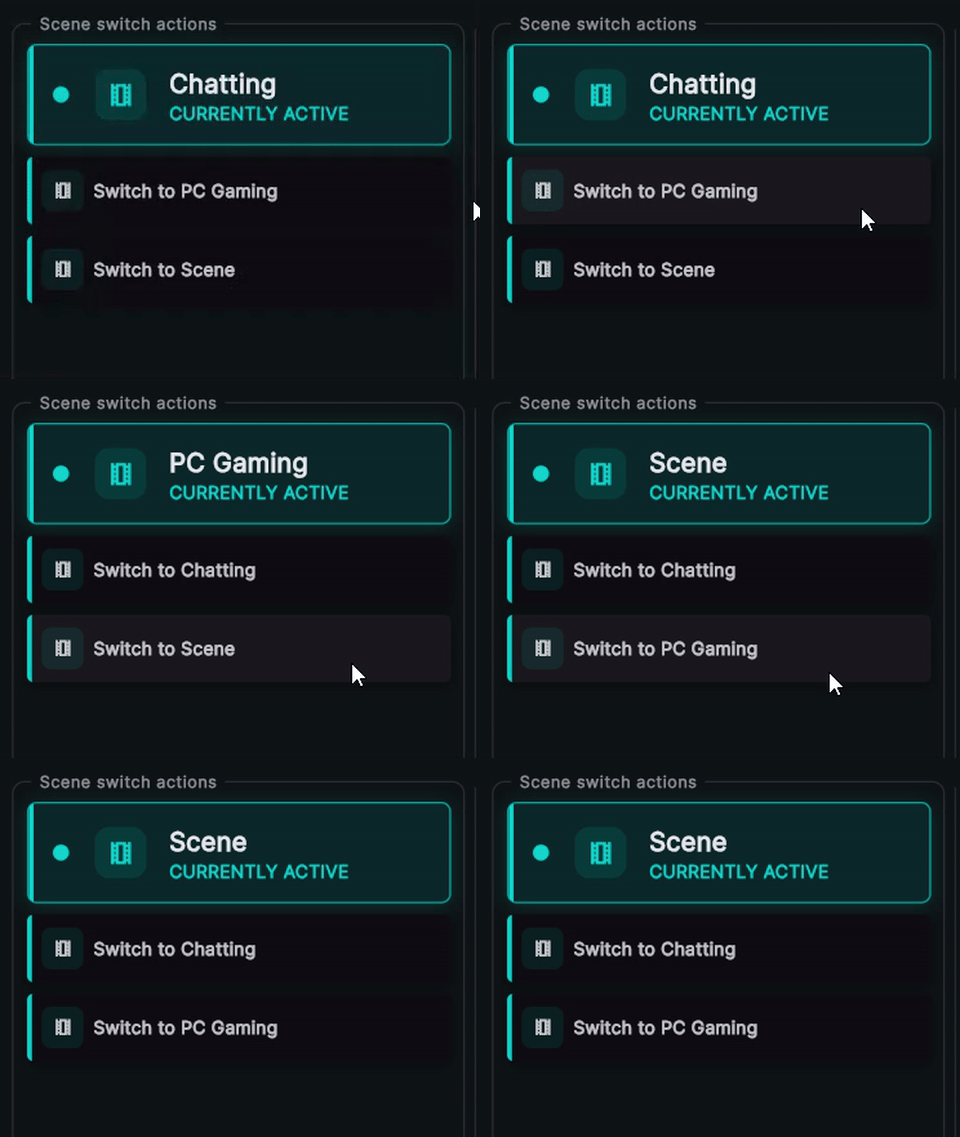
Stream Craftr is more visual, and is organized to support you during your stream, not just during setup (though its pretty good at that too). Stream Craftr shows you what you need, exactly when you need it.
No more hotkeys
No need to memorize a list of hotkeys. All of the buttons you create can have a custom title, color, icon and position. This makes it easy to add new actions, demote older ones, and keep your stream organized visually.
Get rid of manual workflows
Setup automations to trigger on stream start or other actions and control how and when they end. Perfectly timed as you desire.
Manual and automated queues
Your manual and automatic actions are queued so that each one fires when you would expect. Cancel current and future queued items and get countdowns on how long each action will take to complete, so you're always ready.
Everything but the kitchen sink...and the sink
The Stream Craftr OBS control panel can control many things...
- Start Record
- Stop Record
- Start Stream
- End Stream
- Start Replay Buffer
- Stop Replay Buffer
- Capture Replay Buffer
- Scene switch (with custom transitions)
- Show Filter
- Hide Filter
- Set Volume on Source
- Delay
- Start Replay Buffer
- Browser Source Events (with API control)
- Set Text Source
- Play Soundboard Sound
Mix. Match. Combine.
One tap. Endless actions.
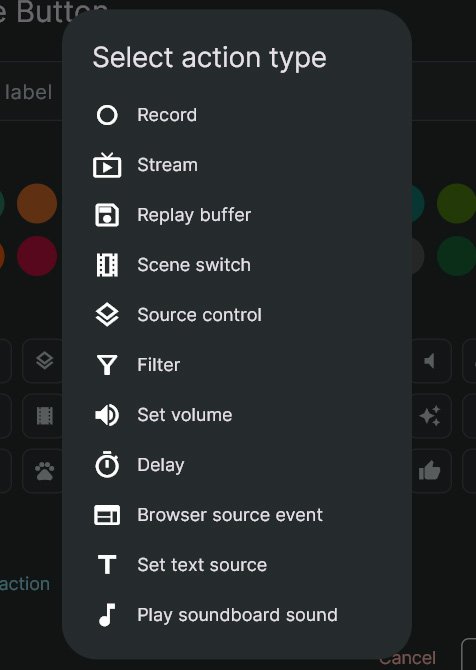
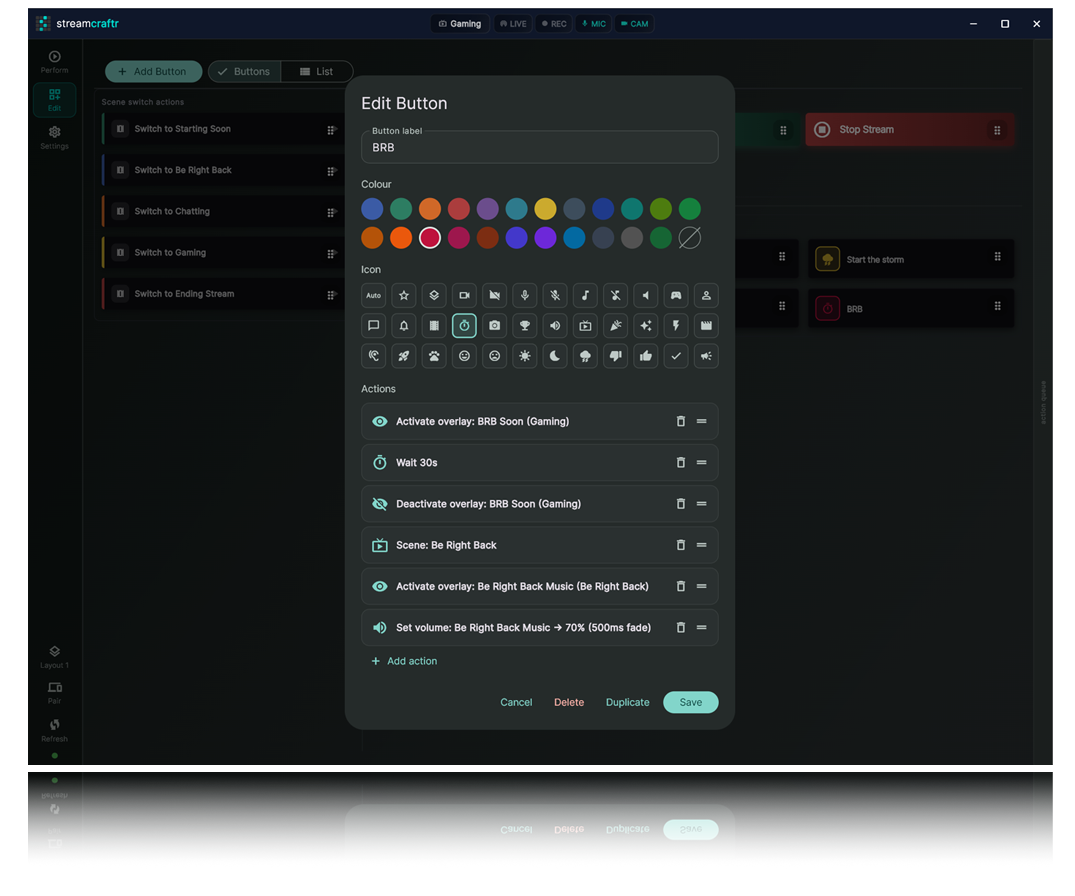
Stream Craftr can handle your complex OBS setup by organizing the different parts that make your stream unique. Create, edit and duplicate single press buttons that perform multiple actions. Add a custom title and color so you can always find your action when you need it.
automate subscribes, Bits, raids...
Complex triggers to meet your needs
By integrating with Twitch and Kick Stream Craftr can sense new events then you decide what happens. Kick off a video, flash a custom thank you message, show an animation ... anything you want. When paired with Stream Craftr Kits, all that setup can be done for you in a few clicks!
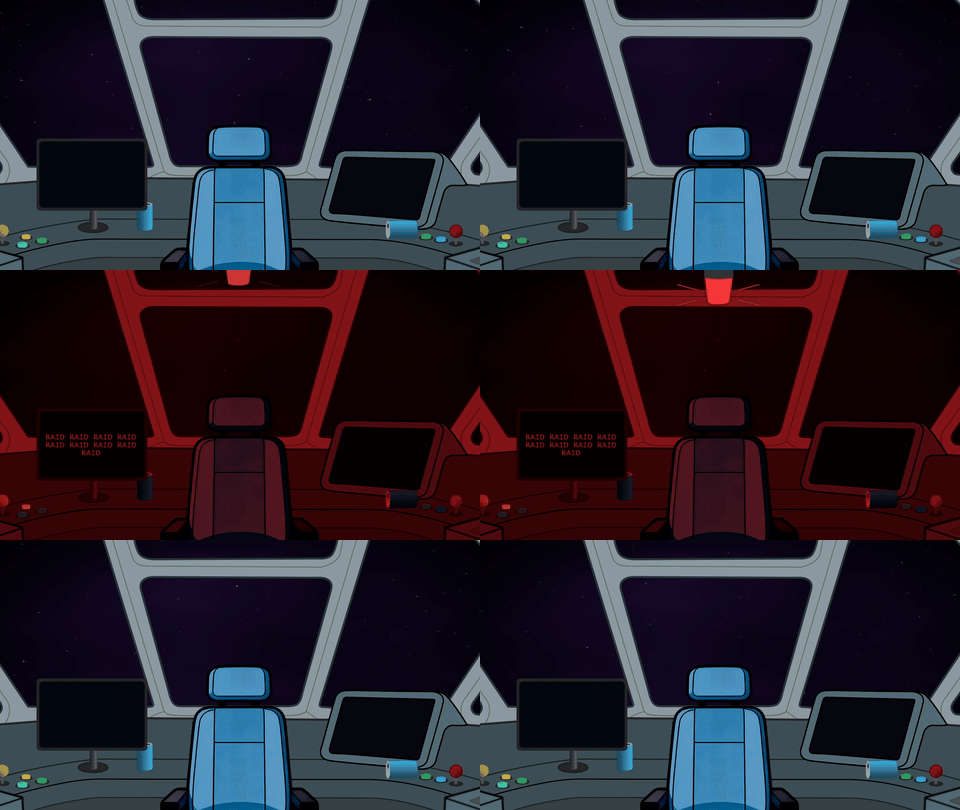
Check out this triggered Raid sequence. You set up the steps, Stream Craftr detects the raid and follows the commands.
ALL THE GOODIES
Adding chats, polls and a soundboards is a breeze
Stream Craftr's goal is to allow to streamers to have the best streams, with he least amount of work. So Stream Craftr OBS panel handles adding chats, polls and soundboards for you.
Chat
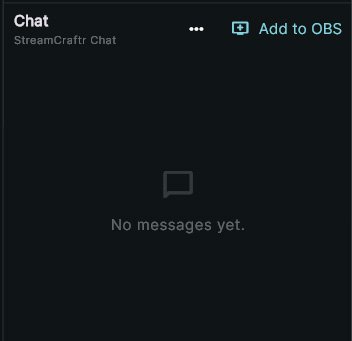
Once you connect to Twitch or Kick or both, you'll get access to options to add chats directly to your OBS setup from Stream Craftr! Respond to chat from Stream Craftr as well.
Learn more about live chat
Polls
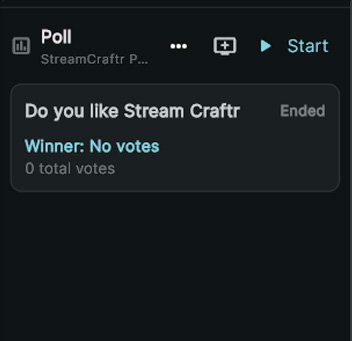
Show polls to users and let them vote using chat! Setup the poll, display the poll and conduct the poll. When it's over, the poll disappears, but you get the results. All in Stream Craftr without any additional installs.
Learn more about live polling
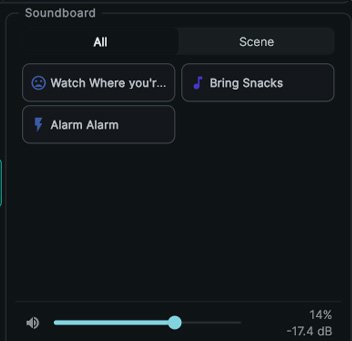
Soundboards
Stream Craftr allows you to easily create soundboards by importing sounds and creating action buttons with them. Each sound can get an individual volume so there's no need to pre-master / mix your sounds.
Download Stream Craftr today
Download Stream Craftr from the Microsoft Store today, and if you feel like supporting Stream Craftr, check out the iPad companion app. A useful tool for controlling Stream Craftr AFK.